
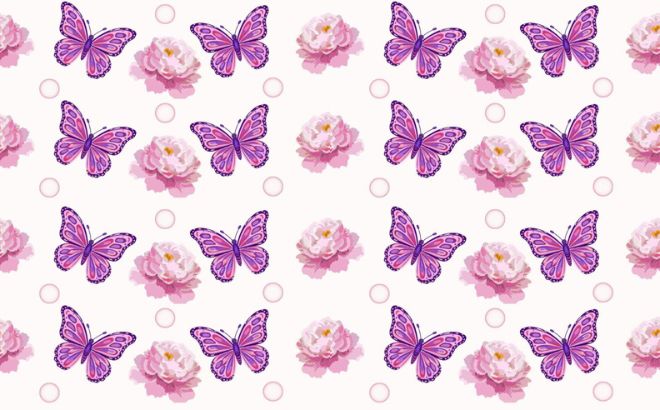
Creating your own custom backgrounds or digital wrapping paper is easier than you think. Follow these steps to create a design that repeats infinitely without any visible seams.
Step 1: Start with a Square Canvas
For the best results, always start with a square format to ensure perfect symmetry when the pattern repeats.
- Click on “Create a design” and select Custom size (e.g., 2000 x 2000 px).
Step 2: Place Elements in the Middle
First, fill the center of your square with your chosen graphics.
- Use elements (graphics) from your favorite designers (e.g., search for
@sketchifyor@pichastockin the Elements tab). - Arrange them randomly, but make sure they do not touch the edges of the square during this step.
Step 3: The Edge Trick (The Secret Sauce)
This is the crucial part. For a pattern to be seamless, the elements on the edges must match perfectly on the opposite sides.
- Place an element so that the edge of the square cuts it exactly in half (e.g., on the left edge).
- Duplicate that same element.
- Move the duplicate to the opposite edge (the right side), making sure it stays at the exact same height. Canva will show you a purple guide line to help you align it perfectly.
Step 4: Download and Test
Once you have filled the entire square (both the middle and the matching edges):
- Download your design as a PNG or JPG.
- To test it, open a new blank document in Canva.
- Upload your image, place it 4 times, and arrange them side-by-side (like tiles). If the seams are invisible — you’ve succeeded!
Pro Tip: Use this seamless pattern as a “Fill” for your Letter Frames to create incredibly unique textured typography!