
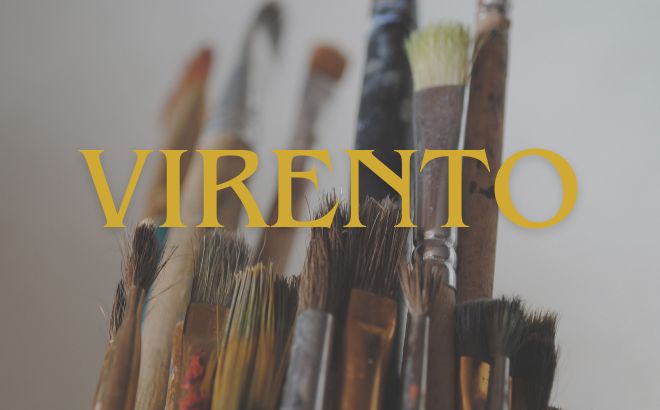
Want to make your designs look professional without spending hours on them? Sometimes, the smallest tricks make the biggest difference. Today, I’m sharing three secret Canva hacks that will change the way you create. Ready to practice? Let’s dive in!
Hack #1: The Magic of “Photo Colors”
The Secret: Did you know Canva can read your mind (or at least your images)? Whenever you upload a photo, Canva automatically creates a color palette based on that specific image.
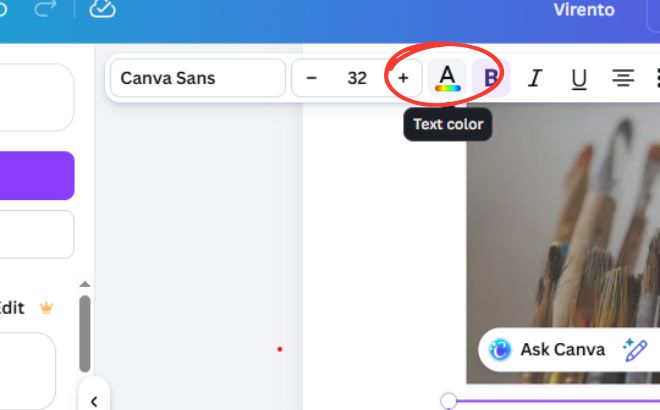
You can choose your text color here.
Your Task:
-
Upload a photo you love.
-
Select any text in your design.
-
Open the color picker and scroll down to “Photo Colors”.
-
Use those shades to make your text and graphics perfectly match your photo.
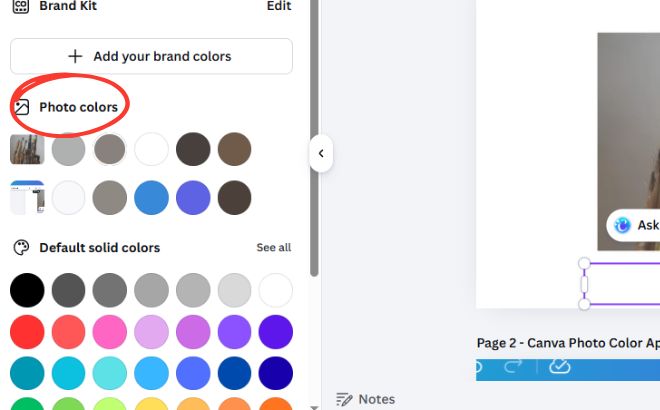
Photo Colors Task Bar will be on the left side when you select the text color.